Connect JornAda with the software you already use

A key-based REST API to read and write clock-ins, absences, schedules, contracts and more from your ERP, your payroll software or your own systems.

Try for free✓ 15 days free · No card required
Connect JornAda with the software you already useConnect JornAda with the software you already useConnect JornAda with the software you already use

One key per company

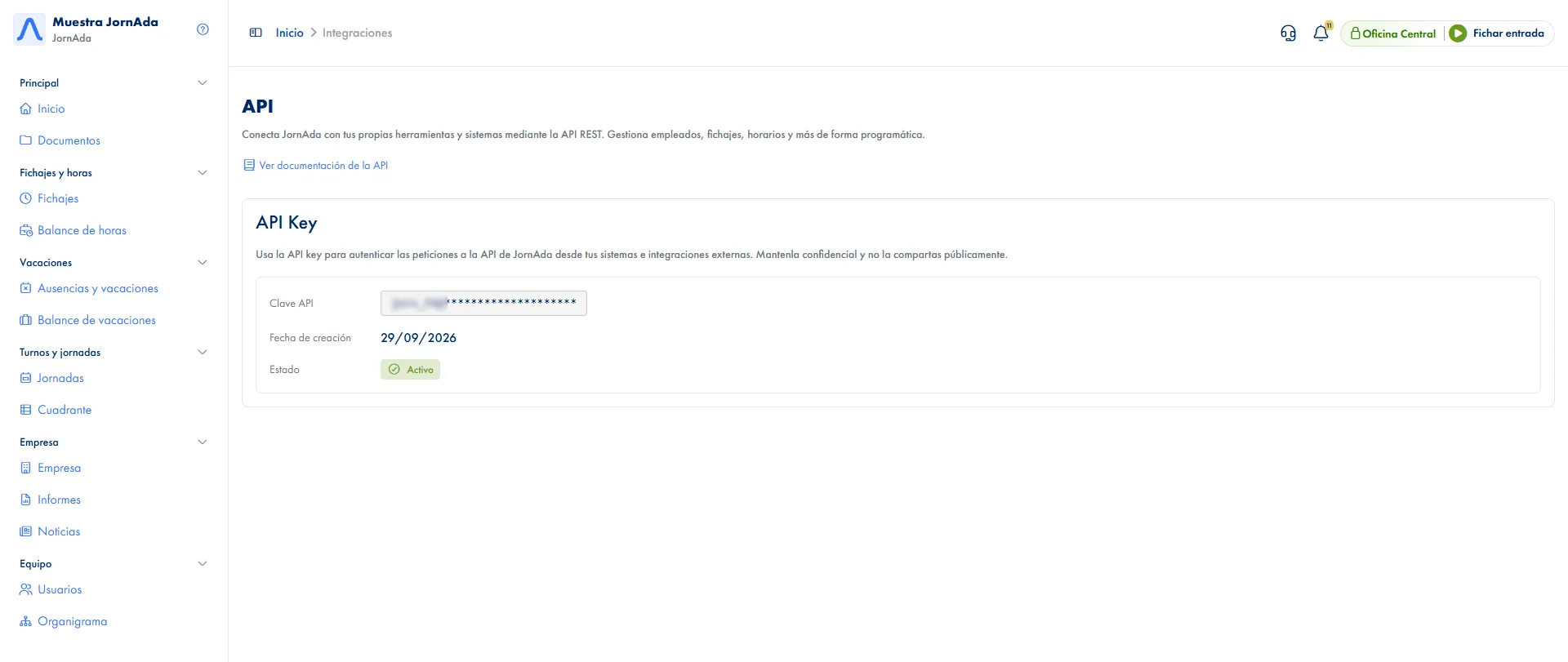
Generated from the dashboard and sent with every request. Every call is limited to your company's data, without having to say so.

Read what matters

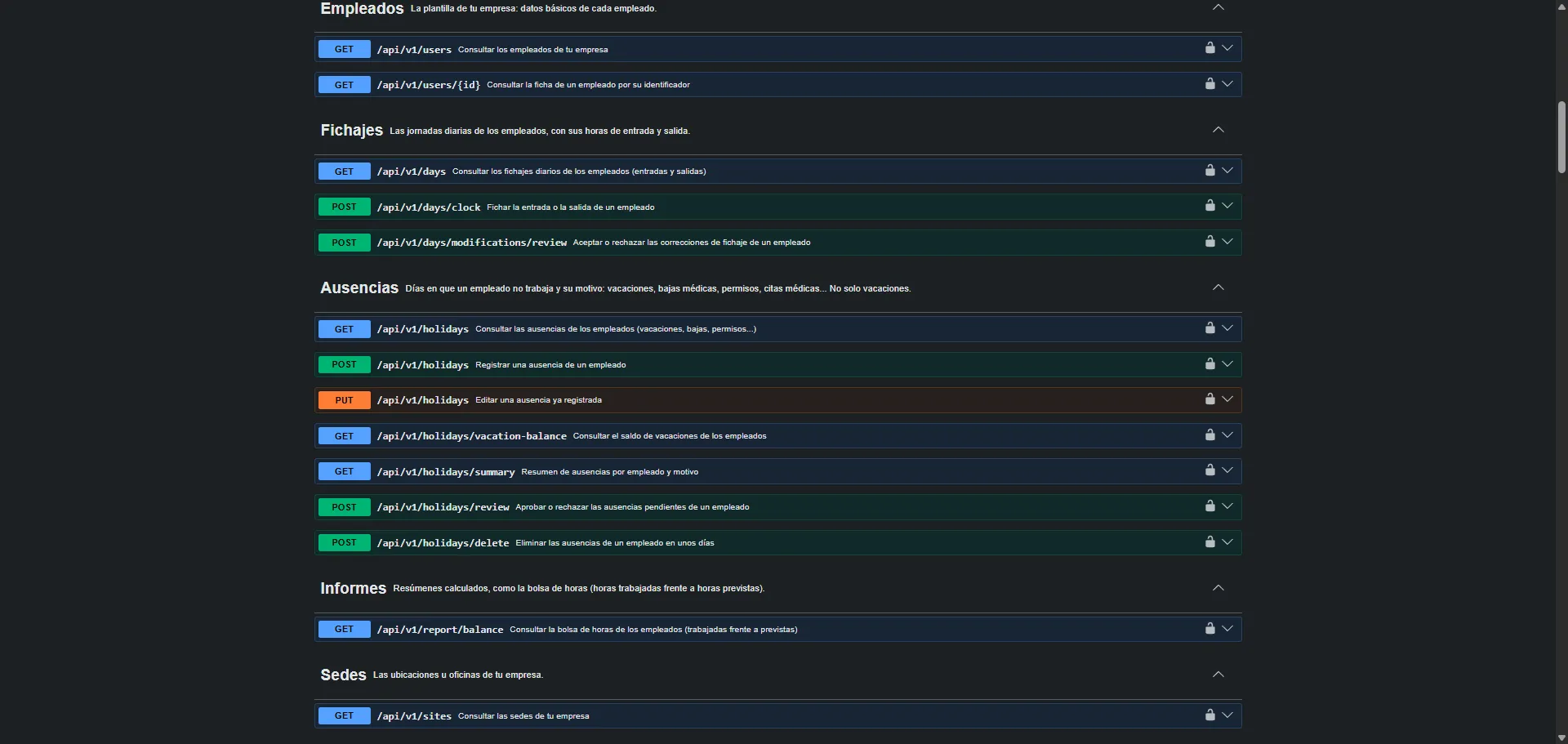
Employees, sites, teams, schedules, assigned schedule, clock-ins, absences, holiday balance, contracts, hours balance and news.

Write with the web's rules

Clock in, assign schedules, record and approve absences, compensate hours, add public holidays, create contracts or publish news, with the same checks as on screen.

Open documentation

Every endpoint is described with its parameters and responses in the technical documentation, linked from the dashboard itself.

Clear limits

300 requests every 15 minutes per company and IP address, with headers telling you how many are left and when the next window starts.

A well-kept key

The full key is shown only when it is created, and JornAda stores just an irreversible fingerprint. If you think it has leaked, Support revokes it and issues a new one.

How it works

How the JornAda API works

  1. You create the key

    From the API option in your account menu, on the web. It is shown in full only once: copy it and keep it safe.

  2. You send it with every request

    In the x-api-key header. The key already says which company the data belongs to.

  3. You read or write

    Large listings come paginated, and every write goes through the same checks as on the web.

  4. Your systems stay in sync

    Clock-ins reach your payroll or your ERP without exporting or re-uploading any file.

What you can do, and what you cannot

You can read almost everything and write the day-to-day: clock-ins, schedules, absences and their approvals, clock-in corrections, compensations, public holidays, contracts and news. Document management, adding and editing employees and directly correcting a clock-in are not exposed, and the subscription is read-only.

What you can do, and what you cannot

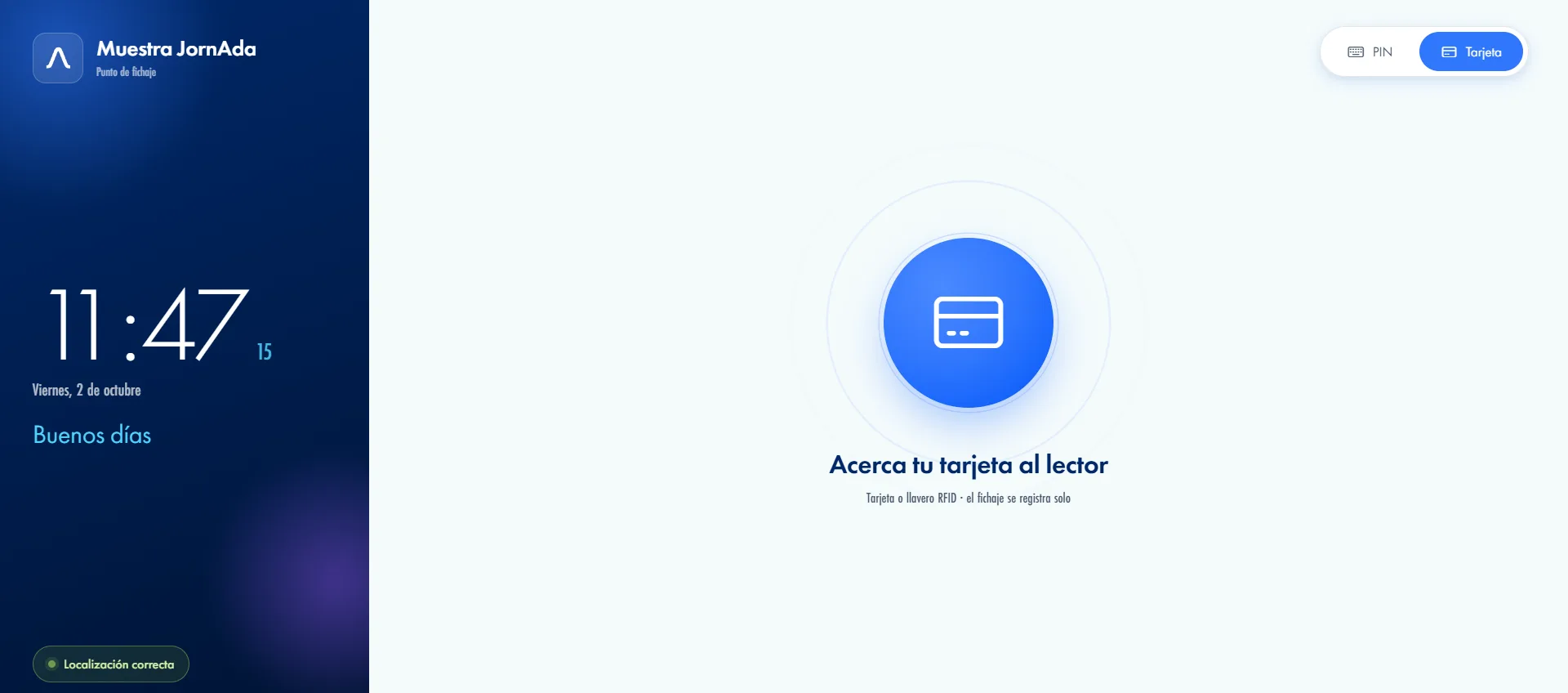
Also for card readers and turnstiles

If you have your own readers or turnstiles, there is a dedicated route for them to send the card code and JornAda records the entry or exit, with clear responses for an unknown card or a clock-in that is not allowed.

Also for card readers and turnstiles

The subscription, visible to your systems

One query tells you how many licences you have, how many active employees use and how many are free, so you know whether a new hire fits before trying. And if the subscription expires, calls are rejected even with a valid key.

The subscription, visible to your systems
Common questions

Frequently asked questions about the JornAda API

Can't find your answer?

Write to us and we will help you sort it out.

Contact us

Company admins, from the web, in the API option of their account menu. There is one key per company and it only gives access to that company's data.

Yes, you clock an employee in or out. The clock-in is recorded with the API as its method, and you can block that method for any employee who should not use it.

The API answers with a 429 error and tells you how many seconds to wait before retrying. It is 300 requests every 15 minutes, counted per company and IP address in fixed windows.

Not from the dashboard. If you think it has been compromised, open a Support ticket and the JornAda team revokes it and issues a new one.

Yes: approve or reject pending ones, and change the status of one already resolved, without knowing each request's identifier. You just say whose they are and, if you want to narrow it, which days.

They are not recorded through the API, because files cannot be sent this way. Disciplinary suspension, which requires a document, is recorded from the web.

That is what it is for: your system reads the hours balance, clock-ins and absences on its own, with filters by date, employee or site, grouping by week or month and pagination, instead of downloading a file and uploading it again.

Calls are rejected even with a valid key, until the subscription is active again.

On the dashboard's API screen, through the «View API documentation» link, which describes every endpoint with its parameters and responses.

Not today: adding and editing employees is done from the web, also in bulk with the CSV or Excel import. Through the API you do create, edit and delete their contracts.

Take your clock-ins to the software you already use

A key-based REST API to read and write clock-ins, absences, schedules, contracts and more from your ERP, your payroll software or your own systems.

Let's talk

Shall we set it up in 5 minutes?

Tell us what you need and we will reply today.

Contact Name

Company Name *

Email *

Phone

Phone number with country code. Example: +34612345678

Type your message here...