
Introducing Emotional Clock-In: Employee Wellbeing 2026
Introducing Emotional Clock-In: the simplest way to measure your team's wellbeing every day. Anonymous, real-time and built for large companies.
Read moreStart your free trial of JornAda - 15 days free, no credit card required.
Try for free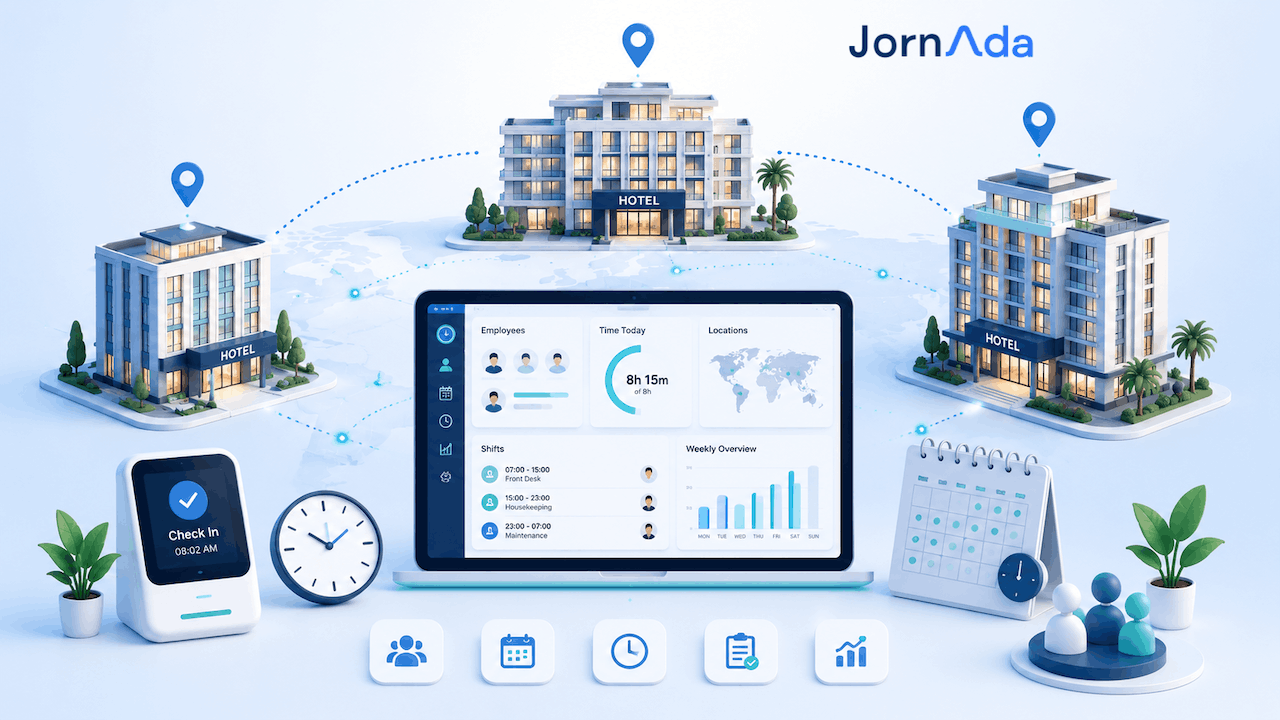
A hotel group with eight properties in Spain is not exposed to one €7,500 fine. It is exposed to eight. Failing to keep a daily time record is a serious offence under Spanish law, and the Labour Inspectorate assesses it per infringing work centre: between €751 and €7,500 at each one depending on the degree, at the amounts set by Royal Decree 306/2024 since 1 May 2024.
Time tracking across a hotel group demands four things a single-property system cannot deliver: each hotel needs its own public-holiday calendar and its own time zone; the record must be accessible from each work centre, as required by the Inspectorate's Technical Criterion 101/2019; each head of department must manage only their own team without seeing the rest of the group; and every correction to a clock-in must be traceable — who made it, what exactly changed, and who approved it. Without those four, a chain does not have one time-tracking system. It has eight that never reconcile.
This guide covers how to run statutory time records across a multi-property group in Spain: what the law requires site by site, why single-hotel setups break at scale, the ten requirements your software must meet, how each department clocks in — front desk, housekeeping, kitchen, spa — and how to roll it out in phases without disrupting peak season.
If you searched for "time tracking software for hotel chains", "multi-property time and attendance", "Spanish time tracking compliance" or "hotel group workforce management Spain", this is the most complete guide you will find.
Daily time recording has been mandatory in Spain since 12 May 2019, when Royal Decree-Law 8/2019 amended Article 34.9 of the Workers' Statute. Three of its obligations hit multi-property groups hardest:
Failure to keep time records is classified as a serious offence under Article 7.5 of the LISOS. The penalty is graded in three bands: €751–€1,500 at the minimum degree, €1,501–€3,750 at the medium degree and €3,751–€7,500 at the maximum. These are the amounts updated by Royal Decree 306/2024 of 23 April, in force since 1 May 2024. The Inspectorate selects the band based on the number of affected workers, repeat offences, intent and the company's financial capacity.
The difference between an independent hotel and a chain is the unit of assessment: it is per work centre. A group with six properties and the same defect in all of them does not receive one case file. It receives six. And when the defect is systemic — the same badly kept spreadsheet replicated across the chain — repetition pushes the band up, not down.
Figures from the Labour Inspectorate's annual report place hospitality as the sector with the most detected infringements, at roughly 20% of the total, ahead of construction and retail. Campaigns also intensify during the tourist season, exactly when hiring spikes and rosters slip. In other words: the moment your operation is most stretched is the moment you are most likely to get a visit.
As things stand, the royal decree that would make digital recording mandatory — with remote access for inspectors and penalties calculated per affected worker rather than per company — has still not been published in the BOE: the government postponed it to September 2026. Until it is, the 2019 obligation applies, and it still permits paper or spreadsheets.
For a chain, waiting is the worst available strategy. Unifying time tracking across eight properties is not an app swap; it is a project involving HR, each hotel's management, IT and employment counsel, and it needs a low season to be done properly. Anyone who starts once the decree is published will be doing it against the clock and mid-operation.
We build JornAda in Mallorca, surrounded by hotels. Our first customers were properties on the island, and today more than 3,000 companies use the platform. The pattern we see whenever a multi-property group comes on board is always the same: each hotel had solved clocking on its own — one with a spreadsheet, another with a signed sheet at reception, another with a different app a previous director brought in — and head office only discovered the discrepancies at payroll close, when there was no time left to fix anything.
It is not negligence. A hotel group simply carries six complications a single property does not:
If you run a single property, the short version of all this is in our guide to time tracking for restaurants and hotels. This guide is the one for a group.
Use this list to evaluate any candidate. If a vendor fails the first four, it is not a multi-site system — it is a single-hotel system sold several times over.
Add two more if IT is part of the decision: sign-in with corporate accounts (so nobody manages 400 new passwords) and bulk onboarding from a file, essential with seasonal staff.
In JornAda each property is set up as a site, and a site is a full work centre rather than a label. Each one has its own assigned employees, its own calendar tab and its own configuration. Two practical consequences for a chain:
From there, site works as a cross-cutting filter: clock-ins, reports, the roster and the employee list can all be narrowed to a single property. Head office sees the whole group; the hotel director sees their hotel.
This is the requirement most candidates fail, and the one that decides whether the system gets used or abandoned. In a chain, the person who corrects a clock-in is not central HR: it is the head housekeeper who knows a room attendant left half an hour late yesterday. But she must not see anyone's pay data, nor the hotel next door.
The structure lives in the org chart: you create teams — Housekeeping, Front Desk, Kitchen, Maintenance, Spa — assign a lead to each, and decide one by one what that lead can do with their own people. There are eight independent permissions, grouped by area:
A lead holds those capabilities only over the people in the teams they lead, and only for the permissions switched on. One safeguard matters at scale: a lead can enter the org chart to manage their team's members, but the team name, its lead and its permissions are read-only to them. Nobody can widen their own permissions. That stays with group administration.
The typical outcome in a chain: central HR administers, each hotel director sees their property, and each head of department manages their shift. You can see how it is structured on our team management page.
A hospitality inspection rarely ends at "you have no records". It ends at "these records do not reflect what happened". The standard suspicion is that hours were edited after the fact to fit the collective agreement. What defends you is not holding the data — it is proving it was not tampered with, or that where it was corrected, there was a stated reason and the employee signed off.
Each clock-in and clock-out separately records the method used: mobile app, web, RFID card, PIN, API integration, import, or automatic system close. That is why one shift can be opened from the app and closed from the web, visibly. Where the device allows, location is stored for both ends, along with the accuracy in metres the device reports: a phone with GPS typically returns 5–20 metres, while a computer without GPS resolves position by WiFi or IP and can be kilometres out. Storing that accuracy is what makes an address in a report meaningful rather than decorative.
Changes to a clock-in are not accepted automatically. They need sign-off from both sides:
A change counts as approved only when both sides agree, and if either rejects it, the day reverts exactly to its previous state. Every correction also requires a reason — forgot to clock in, forgot to clock out, duplicate entry, manual adjustment, bulk correction, or a custom one — which is stored.
Each day's history shows, per change, who requested it and when, precisely what changed (from which time to which time), the reason, its status, and who reviewed it and when. That is literally the document you place in front of an inspector: not "here are the hours", but "here are the hours, and here is the trail for every minute that was corrected, with the employee's sign-off".
Reports generate one row per employee per day across the whole period — including rest days and absence days, not only days with clock-ins — filtered by site, team and person. They download as CSV for your payroll bureau and as a PDF formatted with the company's tax details and a section per employee, ready to file as the statutory record. Columns include scheduled, worked, absence and credited hours, automatic exceptions (commonly "no clock-in"), the reason for the latest correction, and a Modified flag showing whether that day carries corrections in its history. A single report covers at most one continuous year, which is also the horizon inspections tend to work with.
The roster is a grid with employees as rows and days as columns, in monthly, weekly and daily views. The daily view places each person's blocks on a timeline, which is the only sensible way to check that front desk covers all 24 hours and that the night handover overlaps the morning.
For a chain, three details change daily life:
The roster for the period on screen downloads as a PDF to post or hand out, and shifts left open because someone forgot to clock out can close automatically where the shift pattern enables it, flagged as automatic so they are never mistaken for real entries.
Two things that matter to a seasonal group. First, employees can be onboarded in bulk from a CSV or Excel file, with a preview separating valid rows from those with errors before anything is confirmed. Two hundred June hires stop being two hundred forms.
Second, deactivating an employee frees their licence immediately, without losing their data or their history of clock-ins, absences and documents. When the seasonal team leaves in October you are not paying for empty licences all winter, and if someone returns next season their history is still there.
Alongside the record itself, overtime is the other focus of hospitality inspections in Spain. The statutory cap is 80 overtime hours per worker per year (Article 35.2 of the Workers' Statute), and the Statute allows it to be offset with rest within the following four months instead of paid, where agreed. Without a reliable record it is impossible to demonstrate the cap is respected — and in a group where each hotel keeps its own count, nobody knows the real annual total.
The time-balance screen shows, per person and period, scheduled against worked hours and the resulting balance. Two nuances worth understanding before you debate figures with a works council:
When it is time to settle, time compensations record the minutes involved, whether they are paid or taken as rest, and where relevant the hourly rate and amount. Like clock-ins, they go through dual approval by administration and employee, so there is a record of what was agreed — exactly what is missing when a claim arrives two years later.
In a hotel not everyone has a company phone or a computer, and that is where most rollouts fail. The working rule: one method per profile, not one method for everyone.
Each employee also has a checkbox per method — PIN, RFID, web, app and API — that administration switches on or off individually. A clock-in arriving by a blocked method is rejected. That covers the obvious cases without forcing the same rule on the whole workforce. More detail on our kiosk mode page and in our article on RFID time tracking over WiFi, which in a hotel avoids running cable and installing a server per property.
In a group, a time system that does not talk to payroll creates manual work you pay for every month. JornAda exposes a public REST API for IT or your payroll bureau to automate the handover. The specifics, so you can assess them before a technical meeting:
That covers a chain's two real cases: pushing the month's hours to payroll and recording clock-ins from another system already installed in the hotel. Worth knowing what is not exposed: document management, internal posts, time-balance compensations, absence and change approvals, and the assistant's recurring tasks. Those live in the platform itself. Endpoint-by-endpoint detail is in our article on the JornAda API.
Four hundred people means four hundred passwords for someone to create, communicate and reset. To avoid that, JornAda supports signing in with a corporate account: Microsoft and Google sign-in on both web and mobile, plus Apple on the iOS app. If the group already runs Microsoft 365 or Google Workspace, office staff and managers sign in with credentials they already have.
One honest caveat, because it matters in an IT evaluation: this is identity-provider sign-in over OpenID Connect, not SAML federation with automatic per-tenant user provisioning. If your requirements specify SAML and SCIM provisioning, raise it in the first meeting and we will assess it; if what you need is for people not to manage another password, that is already solved. For operational staff clocking by card or PIN the question does not arise — they need no email account to clock in.
In a chain the problem is not having data; it is that nobody has time to look at it until there is a dispute. JornAda includes an AI assistant that lets administration query group data in plain language: who has not clocked in today, how many hours one hotel worked this week, which absences are awaiting approval, what shift someone is assigned. It answers on employees, clock-ins, time balance, absences, schedules, shift patterns, teams, sites, contracts and company data, adds tables and charts where they help, and the reports it produces download as PDF from the answer itself.
It can also propose changes — assigning a shift pattern, assigning a flexible weekly shift to several people, creating or editing a pattern — always behind a confirmation card: nothing executes until someone confirms, and those actions are available only to company administrators.
The most useful part for a group is recurring tasks: reports that run themselves hourly, daily, weekly, monthly or yearly, emailed to chosen recipients, with an execution history. The typical setup is an hours-and-missed-clock-ins report per property, every Monday, to each hotel's management and central HR. The free plan allows 1 active task on weekly, monthly or yearly frequencies; with the assistant add-on, up to 20 active tasks plus daily and hourly. The assistant always answers within your own company's scope and never reaches another's data.
Beyond AI, some alerts are worth switching on from day one: a warning when someone is more than an hour past their shift start without clocking in, a daily digest of the previous day's clock-ins (absences, late arrivals, hours over or under, and who forgot to clock out), and alerts for contracts about to end and ID documents about to expire — which, with heavy seasonal hiring and international staff, save real trouble.
A detail that often settles the decision when operations management is involved: internal posts can be addressed to the whole company or only to specific sites, teams or roles. The criteria intersect, so you can publish a notice seen only by Housekeeping staff who are also at the Palma property. Posts appear on recipients' home dashboard and in the app, each has its own shareable page, and depending on individual preferences they can arrive by email or push notification.
It replaces the notice board in the staff room and the WhatsApp group, with the advantage that one hotel's shift change never reaches the other seven. For employment paperwork — payslips, contracts, addenda — document management includes smart OCR upload to split one bulk payslip PDF and route it to each person, plus document signing, which is where a group of several hundred employees genuinely recovers time each month.
Nobody switches on eight hotels the same Monday. The order that works best, from groups that have done it:
One scheduling note that has nothing to do with software: run phases 1 to 4 in low season. Rolling out time tracking in a hotel in mid-August is the surest way to have the project remembered as a problem.
JornAda's public scale runs from 5 to 50 licences: from €10/month for 5 licences (€2 per user/month) up to €70/month for 50 licences (€1.40 per user/month), with every feature included on any plan and the per-user price falling as volume rises. You can review it on our pricing page.
Above 50 licences — where any chain sits — pricing is set by custom proposal. We do not publish a rate for 300 or 800 employees because it depends on volume, number of properties, and whether the group wants the AI assistant and priority support add-ons. What you can rely on is the direction of the curve: more licences, lower cost per user.
A practical note on licence management: the limit counts active employees. Deactivating someone frees their licence instantly without losing their history, so a seasonal group sizes for its peak-season headcount and does not pay for the team that is not there in winter.
Yes. The Article 34.9 obligation applies to the entire workforce, and the Inspectorate assesses breaches per work centre. Every property in the group must hold records for its own people, and a chain with six hotels can receive six case files for the same repeated defect.
They must be at the work centre or immediately accessible from it, per Technical Criterion 101/2019. A cloud system accessed from the hotel itself complies; a file that exists only on a head-office computer does not.
Failing to keep time records is a serious offence, fined between €751 and €7,500 depending on the degree — €751–€1,500 minimum, €1,501–€3,750 medium and €3,751–€7,500 maximum — at the amounts set by Royal Decree 306/2024, in force since 1 May 2024. Because it is assessed per work centre, the total multiplies by the number of properties involved.
No. The royal decree that would impose mandatory digital recording, with remote inspector access and penalties per affected worker, has still not been published in the BOE and was postponed to September 2026. The 2019 obligation applies, and it still permits paper or spreadsheets — though neither is advisable.
Four years, available to employees, their legal representatives and the Labour and Social Security Inspectorate.
Yes. In JornAda each site has its own holiday calendar — national, regional, local and company — and its own time zone, which is used to display its employees' clock-ins. A group with hotels in the Canaries and on the mainland sees each clock-in in its own site's local time.
A day accepts multiple in/out blocks, so a split shift is recorded as two blocks. Shifts crossing midnight are recognised as such: if the end time precedes the start, it is treated as the following day. Rotating shifts are planned on the roster by assigning different patterns across date ranges.
The cap is 80 overtime hours per worker per year (Article 35.2 of the Workers' Statute), excluding force majeure. They can be paid or offset with rest within the following four months. Specific amounts and conditions come from your provincial hospitality agreement.
With an RFID card or a 4–6 digit PIN at a shared clocking point: a tablet at the staff entrance reached by a QR-code link. It is the standard method in housekeeping, kitchen and cleaning, and requires nobody to use a personal phone.
Yes, and it is the recommended setup. In the org chart you appoint a lead per team and switch on the permissions they need, one by one, out of eight. They can only act on the people in the teams they lead, and cannot change their own permissions.
Yes, through the public REST API, which reads clock-ins, absences, contracts and time balance, and can record clock-ins from another system. There is no packaged connector for each payroll product: integrations are built on the API, which is documented endpoint by endpoint.
They are onboarded in bulk by importing a CSV or Excel file, with an error preview before anything is confirmed. At the end of the season, deactivating someone frees their licence immediately without losing their clock-in, absence or document history, and if they return next year it is all still there.
For a hotel group, time tracking stopped being a compliance formality the day penalties began to be counted per work centre. Eight properties with eight different systems are not eight small problems: they are a multiplying risk and a payroll closed blind every month.
What separates a system that holds up across a chain from one that does not is concrete and can be checked in a demo: sites with their own time zone and calendar, permissions delegable department by department, an audit trail on every correction with the employee's sign-off, a roster that understands rotating and split shifts, and an API so hours reach payroll without being retyped. JornAda does all five, is built in Mallorca — where hotels are not a theoretical use case — and is used by more than 3,000 companies.
If you are evaluating vendors, take the ten requirements from this guide into the meeting and ask to see them on screen, not in a brochure. When you want to try it against your own properties, start your free trial or ask us for a proposal for your group, telling us how many hotels and how many people you run in peak season.
Written by the JornAda team (Softnat S.L.), specialists in time tracking and attendance. Last updated: August 2026. Penalty amounts and the status of the digital-recording royal decree reflect the rules in force at that date; verify both before making decisions.
Start complying with time tracking regulations today. 15-day free trial, no credit card needed.
Contact
Fill in the form and we will get back to you within 24 hours.
Contact Name
Company Name *
Email *
Type your message here...
Introducing Emotional Clock-In: the simplest way to measure your team's wellbeing every day. Anonymous, real-time and built for large companies.
Read more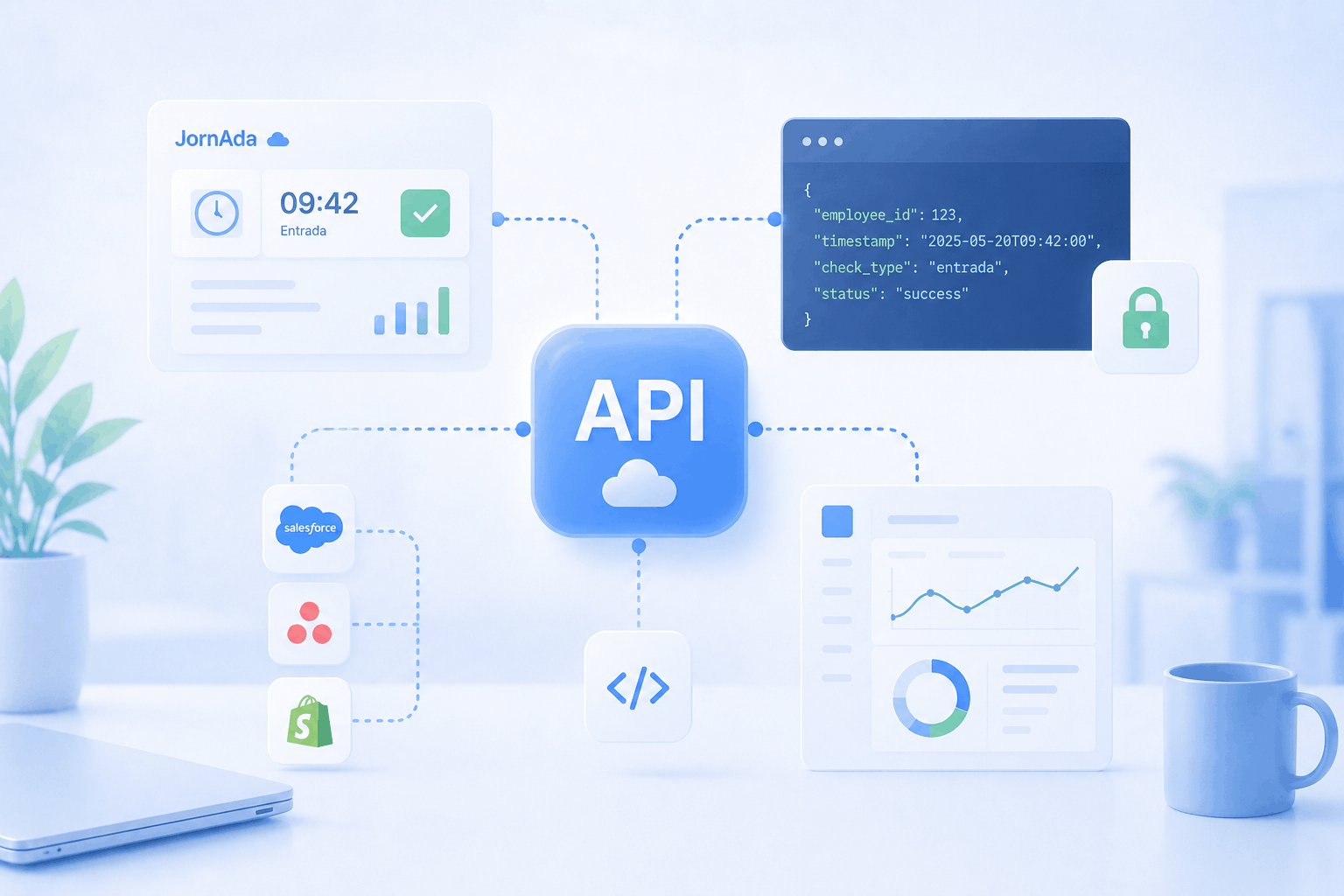
Meet JornAda's REST API: read employees, clock-ins, absences and time balances, and clock in from your own systems to connect time tracking with your BI, HRIS and payroll.
Read more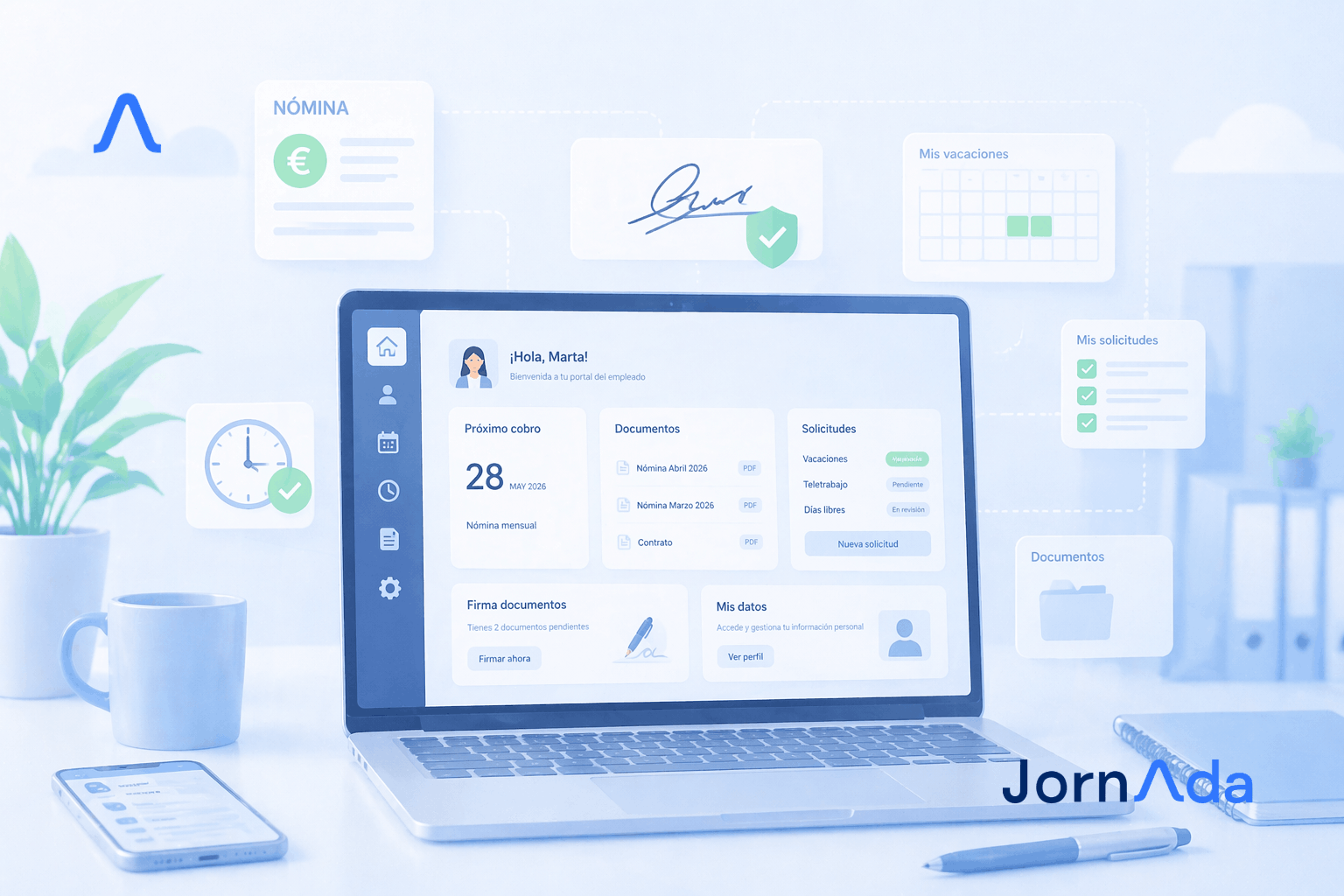
Time tracking, bulk payslips with AI, digital signatures and shared folders. Everything about employee portals and how to choose the best HR software in 2026.
Read more