
Start your free trial of JornAda - 15 days free, no credit card required.
Try for freeEmployee Portal: What It Is, Features and How to Choose the Best Software in 2026
Your HR team gets 15 emails a day asking for the same payslip. Your sales rep asks via WhatsApp how many vacation days they have left. Your manager prints the contract, signs it by hand, scans it and sends it back by email.
If this sounds familiar, you need an employee portal.
In this guide we explain what an employee portal is, what features it must include in 2026, how to choose the best HR software for your company, and why hundreds of companies in Spain are choosing JornAda over Factorial, Sesame, Bizneo, Personio and Kronjop.
Table of contents
- What is an employee portal?
- Why your company needs an employee portal now
- The 8 essential features of an employee portal
- AI-powered document management: the JornAda difference
- Real benefits for your company
- How to choose the best employee portal
- JornAda: complete employee portal, no extra modules
- JornAda vs. Factorial, Sesame, Bizneo, Personio and Kronjop
- JornAda employee portal pricing
- Frequently asked questions
- Get started with your employee portal today
What is an employee portal?
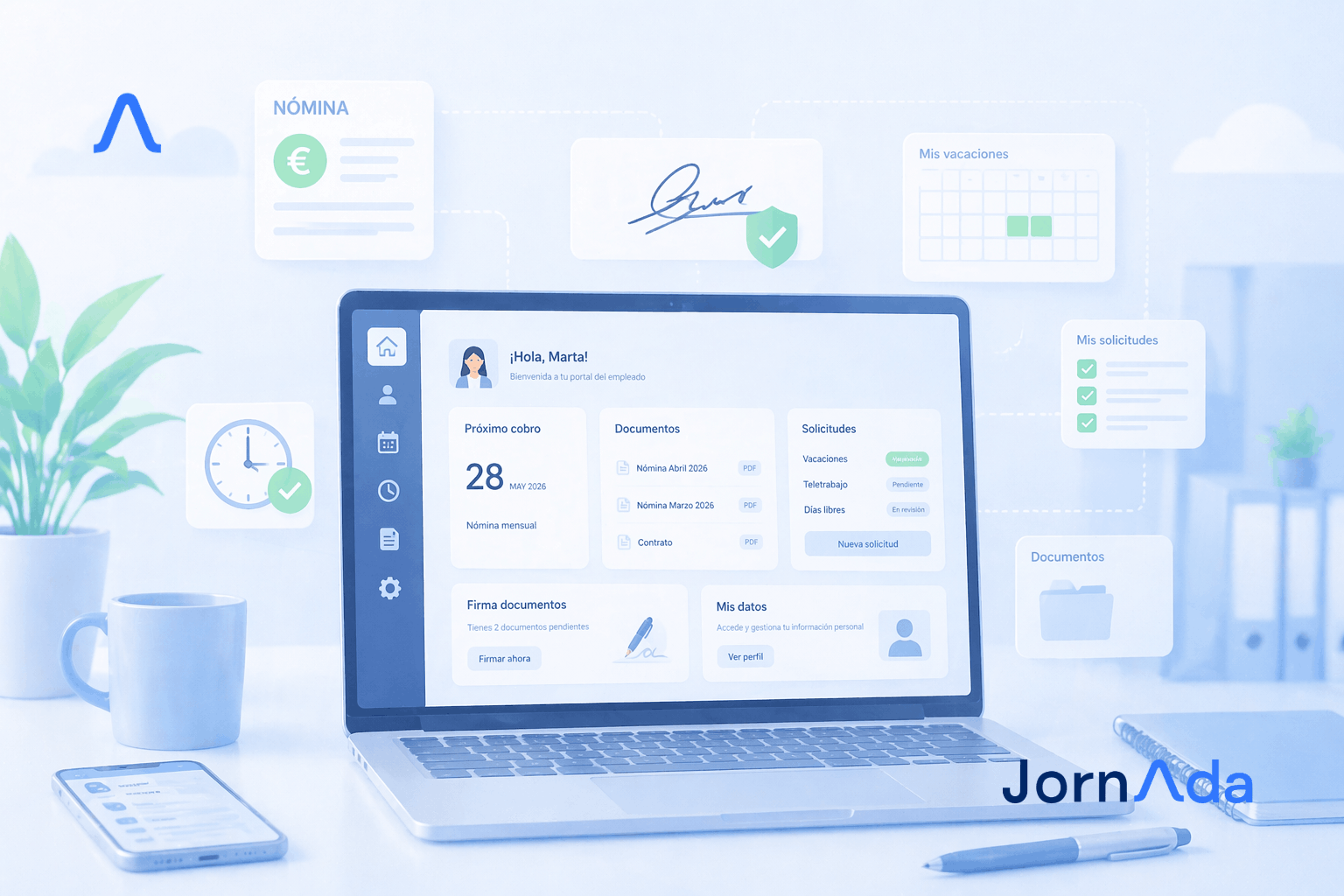
An employee portal is a web and mobile platform where each worker accesses with personal credentials to view and manage everything related to their job.
No calls to HR. No emails. No paper.
It is also known as a worker portal, payslip portal, vacation portal or employee self-service software. Whatever the name, the concept is the same: a self-management tool that decentralises the Human Resources department and puts control in the employee's hands.
From the portal, the employee can:
- Clock in and out of their working day
- View and download payslips and certificates
- Access their contract and employment documentation
- Request vacation, absences and leave
- View available and used vacation days
- Digitally sign documents with legal validity
- Check their calendar and weekly shifts
- Receive internal company announcements
- Upload expenses, receipts and documents
For HR, the employee portal is the end of repetitive administrative tasks. For the worker, it means full transparency over their relationship with the company.
Why your company needs an employee portal now
Three concrete reasons:
1. Goodbye to repetitive queries. Employees no longer call HR asking for an old payslip or how many vacation days they have left. They check it themselves from their phone, in 5 seconds.
2. Total transparency. Each person sees their data, hours worked, approved absences and signed documents. No more misunderstandings, no more "I did request that day" arguments, no more conflicts over unrecorded overtime.
3. Guaranteed legal compliance. The new mandatory digital time tracking regulation for 2026 requires workers to have access to their work records at all times. An employee portal solves this automatically.
If you want to understand all the legal requirements, read our complete guide on Spain's new time tracking regulation.
The 8 essential features of an employee portal
Not all employee portals are created equal. These are the features that cannot be missing in 2026:
1. Integrated time tracking
The employee clocks in, clocks out and logs breaks from the same portal via mobile, web, tablet in kiosk mode or WiFi RFID reader. With traceability and modification logs as required by the new 2026 time tracking law.
2. Access to payslips and employment documents
Each person views and downloads their historical payslips, contract, tax certificates and any employment document. Always available, 24/7, from any device.
3. Vacation and absence requests
The employee requests vacation from their portal. The manager approves or rejects it with one click from their admin panel. Everything is logged with date and time.
4. Digital document signing with legal validity
Contracts, addenda, announcements, internal policies, confidentiality agreements. Everything is digitally signed from the phone with full legal validity. No printers, no scanners, no postal shipments.
5. Work calendar and shift management
The employee checks their shift, weekly schedule, public holidays and days off. Without calling the manager or checking WhatsApp.
6. Internal communication and push notifications
The company publishes news, circulars and important notices. All employees receive them on their phones. No more lost emails and information that doesn't reach people.
7. Real-time vacation balance
The portal always shows available vacation days, used days, requested days and those pending approval. Without consulting HR.
8. Native mobile app for iOS and Android
An employee portal is not just a website. It must have a native mobile app with push notifications. An employee is not going to open a computer to request vacation or sign a document.
AI-powered document management: the JornAda difference
This is where JornAda stands apart from the competition. Our document management is not a simple PDF storage. It is an intelligent system with OCR and artificial intelligence that automates the entire document flow of your company.
Bulk payslip delivery with OCR and AI
Your payroll manager or accountant uploads a single PDF with all monthly payslips. JornAda's artificial intelligence reads the document, identifies each employee by their ID number or name, and automatically sends each person their payslip. In one click.
The same works with tax certificates, withholding certificates and any bulk document. What used to be 50 manual emails is now drag and drop.
This feature alone saves your HR department more than 10 hours per month.
Digital signing by the employee
You send a contract, an addendum or an internal policy to the employee. They receive it in their portal, read it and digitally sign it from their phone. You see in real time who has signed and who hasn't. All with full legal validity under eIDAS and national regulations.
Send a document to multiple employees at once
New company policy. Important announcement. Certificate that 30 people must sign. You upload the document once and it reaches all selected employees. Each one signs it from their portal. You monitor the status from a single dashboard.
Shared folders with controlled visibility
You publish a folder and decide who sees it. The whole company, a specific department, a particular office or a group of employees. Ideal for procedure manuals, health and safety protocols, training documentation or any information that needs to be accessible to your team.
Document uploads by the employee
Expenses, receipts, medical certificates, sick notes, training certificates. The employee uploads them directly to the corresponding folder from their phone. HR receives them automatically classified, with no lost emails or photos sent via WhatsApp.
Real benefits of implementing an employee portal
Time savings for HR. A Human Resources department dedicates between 30% and 50% of its time to repetitive administrative tasks. Employee portal software eliminates most of that work.
Fewer human errors. Data is entered by the employee themselves. No more mistakes transferring information between emails and systems.
Automatic regulatory compliance. Accessible records, digitally signed documents, full traceability. Labour inspectors can consult any data instantly, as required by the new 2026 legal framework.
Better workplace climate and talent retention. Transparency builds trust. Employees value having control over their data and processes.
Drastic paper reduction. Virtually complete elimination of printing, physical archives and storage space.
Frictionless scalability. Hiring a temporary employee, onboarding 50 new people or opening an additional office does not require hours of configuration.
How to choose the best employee portal for your company
Ask yourself these five questions before hiring any HR software:
Is everything included or do I pay for extra modules? Many platforms charge separately for each feature: time tracking, portal, payslips, digital signature, document management. In the end, you multiply the price by three or four. Confirm what is included in the base price.
Does it comply with GDPR and data protection authorities? Employment data is sensitive data. Make sure servers are in the European Union, data is encrypted, and it does not use biometrics (facial recognition and fingerprint scanning are restricted in Spain since 2023).
Does it have a native mobile app or just an adapted website? It's not the same. A native app works better, sends push notifications and gets used more.
Can I manage multiple offices from the same panel? If you have more than one workplace, this is critical for multi-site management and centralised control.
Is there a commitment period or hidden costs? A good platform does not need to tie you to an annual contract to retain you. Avoid monthly minimums, implementation costs and small print.
JornAda: complete employee portal, no extra modules
The JornAda employee portal includes everything you need from day one, without paying extras:
- Integrated time tracking via mobile app, web, tablet with PIN or WiFi RFID reader
- Bulk payslip delivery with OCR and AI: upload a single PDF, it reaches each employee automatically
- Digital document signing by the employee with legal validity
- Send documents to multiple employees with real-time signing status control
- Shared folders with configurable visibility by group, department or office
- Document uploads by the employee: expenses, receipts, medical and training certificates
- Vacation and absence requests and approvals in real time
- Shift schedule visible from each employee's mobile
- Multi-site management with administrators per workplace
- Internal announcements with push notifications
- Exportable reports in PDF, Excel and CSV for Labour Inspection
- Secure storage on servers within the European Union, encrypted and GDPR compliant
- No biometrics, no fingerprints, no facial recognition
All at the same price, from €1.40/user/month. No commitment. No installation costs. Cancel anytime.
Explore all JornAda features or check our plans and pricing by number of employees.
JornAda vs. Factorial, Sesame, Bizneo, Personio and Kronjop
It is fair to compare the main HR software solutions in Spain. Each one has its strengths, but all have specific limitations that JornAda solves better.
JornAda vs. Factorial
Factorial is a well-known HR suite with many modules and international presence. But its model is modular: each additional feature adds to the price. A complete employee portal with digital signature, document management and time tracking on Factorial ends up costing between €5 and €9 per employee per month. JornAda includes everything from €1.40/user/month (from 50 licences).
JornAda vs. Sesame HR
Sesame HR is powerful in time tracking, but uses facial recognition as a verification method, which raises concerns with GDPR and the Spanish Data Protection Agency since 2023. Additionally, its document manager and digital signature are separate modules paid for individually. JornAda does not use biometrics of any kind and document management is included.
JornAda vs. Bizneo HR
Bizneo is a modular suite with more than 16 modules. It is powerful when you want to build an HR stack piece by piece, but prices quickly add up: monthly minimums, modules per process and per-employee scaling. To have a complete employee portal with Bizneo, you end up contracting three or four different modules.
JornAda vs. Personio
Personio is a German platform with strong presence in Europe. Designed for mid-sized and large companies with complex internal processes, its price is negotiated by size and configuration. It is not comparable by a single figure, but it is always in the upper price range of the market. JornAda offers an equally complete employee portal at a fraction of the cost.
JornAda vs. Kronjop
Kronjop focuses on regulatory compliance for time tracking in SMEs. Its strength is simplicity, but the employee portal it offers is more basic: it does not include bulk payslip delivery with OCR, nor shared folders with granular visibility, nor document uploads by the employee. In addition, Kronjop's base price (€2.40/user/month) is higher than JornAda's for the same company size.
JornAda employee portal pricing
One of the most complete employee portals on the market, with tiered pricing: the more employees, the lower the cost per user.
- 5 licences → €10/month (€2.00/user/month)
- 10 licences → €19/month (€1.90/user/month)
- 15 licences → €27/month (€1.80/user/month)
- 20 licences → €34/month (€1.70/user/month)
- 30 licences → €48/month (€1.60/user/month)
- 40 licences → €60/month (€1.50/user/month)
- 50 licences → €70/month (€1.40/user/month)
- More than 50 licences → custom quote
All plans include every feature. No extra modules. No commitment. No installation costs. With a 15-day free trial and support included.
Check all updated plans at jorn-ada.com/en/prices.
Frequently asked questions about employee portals
What is the difference between an employee portal and time tracking software?
Time tracking software only records clock-ins and clock-outs. An employee portal is a complete platform: it includes time tracking, payslips, documents, vacation, digital signature and internal communication in one single tool.
Can the employee access from their personal phone?
Yes. With JornAda, each employee logs in with their credentials from any device: personal phone, tablet or any computer with a browser.
Is it mandatory to have an employee portal in Spain?
The portal itself is not mandatory, but the new 2026 digital time tracking regulation requires workers to have access to their work records and documents at all times. An employee portal is the most practical and efficient way to comply.
What happens if an employee leaves the company?
Their access is deactivated but their data is kept for the 4 years required by law. Nothing is lost and everything remains auditable.
Do temporary employees also have a portal?
Yes. A temporary employee is onboarded in less than two minutes and has full portal access from the first day of contract.
How does bulk payslip delivery with OCR and AI work?
Your payroll manager or accountant uploads the PDF with all bulk payslips. JornAda's artificial intelligence identifies each employee by their ID number or name within the document and automatically sends each person their payslip to their personal portal. The same works with tax certificates, withholding certificates and any per-employee document.
Can I send a document to several employees at once so they can sign it?
Yes. You select the document, choose the employees who must sign it (one, several or the whole workforce), and each one receives it in their portal. You can see in real time who has signed and who hasn't, with date and time of each signature.
Can employees upload their own documents?
Yes. From their portal, the employee uploads expenses, medical certificates, sick notes, training certificates or any document they need. It is automatically classified in the corresponding folder and HR receives it without the need for emails or WhatsApp.
Can I control which documents each employee sees?
Yes. You publish folders and decide who sees them: the whole company, a specific department, an office, a group of employees or an individual person. Each employee only accesses what corresponds to them.
Does the digital signature have legal validity?
Yes. JornAda digital signatures comply with the European Union's eIDAS Regulation and Spanish electronic signature regulations. They have full legal validity.
Is my data and my employees' data secure?
Yes. Data is stored encrypted on servers within the European Union, complying with GDPR. JornAda does not use biometrics of any kind.
More questions? Check our FAQ section.
Get started with your employee portal today
Nothing to install. No commitment contracts. No IT technicians.
You register your company, invite your team, and each person accesses their personal portal in less than 5 minutes. Your payroll manager uploads payslips with one click. Your employees sign contracts from their phone. You monitor everything from a single panel.
- Start your free trial — no credit card, no commitment.
- Book a free 20-minute demo — we'll show you the employee portal with your company's real data.
- Contact our team — call us at +34 971 14 38 36 or reach us on WhatsApp.
- See all plans and pricing from €1.40/user/month.
- More articles on our blog about time tracking, digital clock-in and HR management.
Last updated: April 2026. Article regularly updated with regulatory changes and the latest developments in employee portal software and Human Resources management.
Try JornAda for free
Start complying with time tracking regulations today. 15-day free trial, no credit card needed.
Contact
Any questions?
Fill in the form and we will get back to you within 24 hours.
Contact Name
Company Name *
Email *
Type your message here...
By sending you accept the Terms and Conditions and the Privacity Policy
Related news
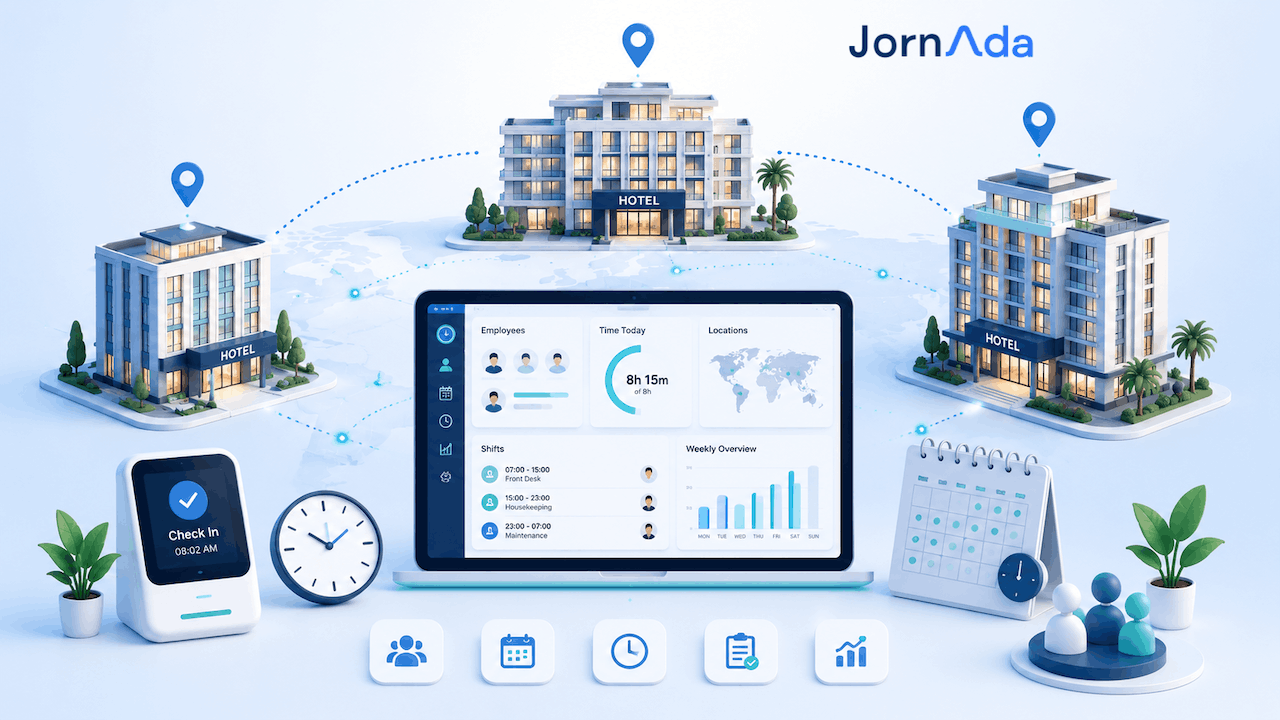
Time Tracking for Hotel Chains in Spain: Multi-Property Guide 2026
In Spain, time-tracking fines are levied per work centre: with eight hotels, the exposure multiplies by eight. How to unify time tracking across a hotel group.
Read more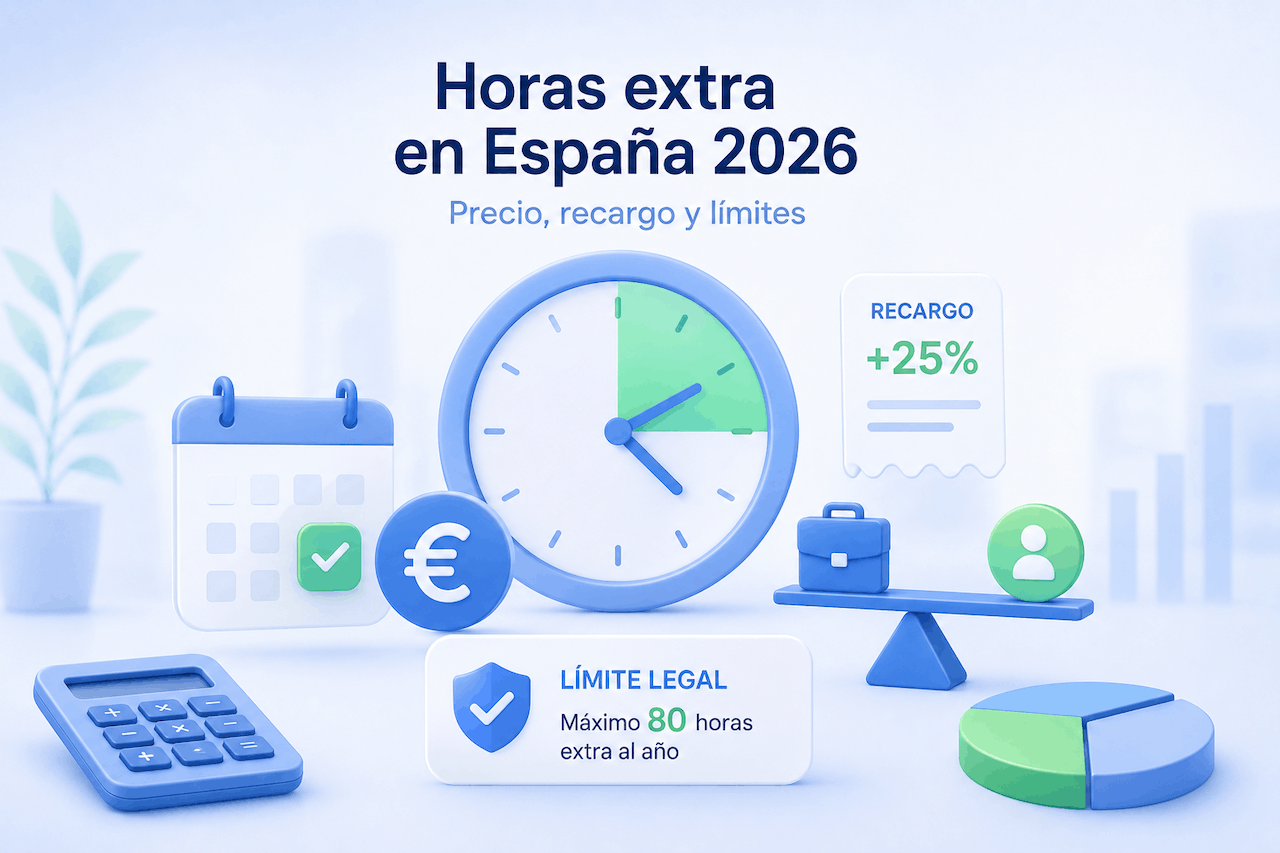
How to Calculate Overtime in Spain 2026: Pay, Rates & Limits
Learn how to calculate overtime in Spain step by step: hourly rate, collective agreement premium, the 80-hour annual limit and 2026 contributions.
Read more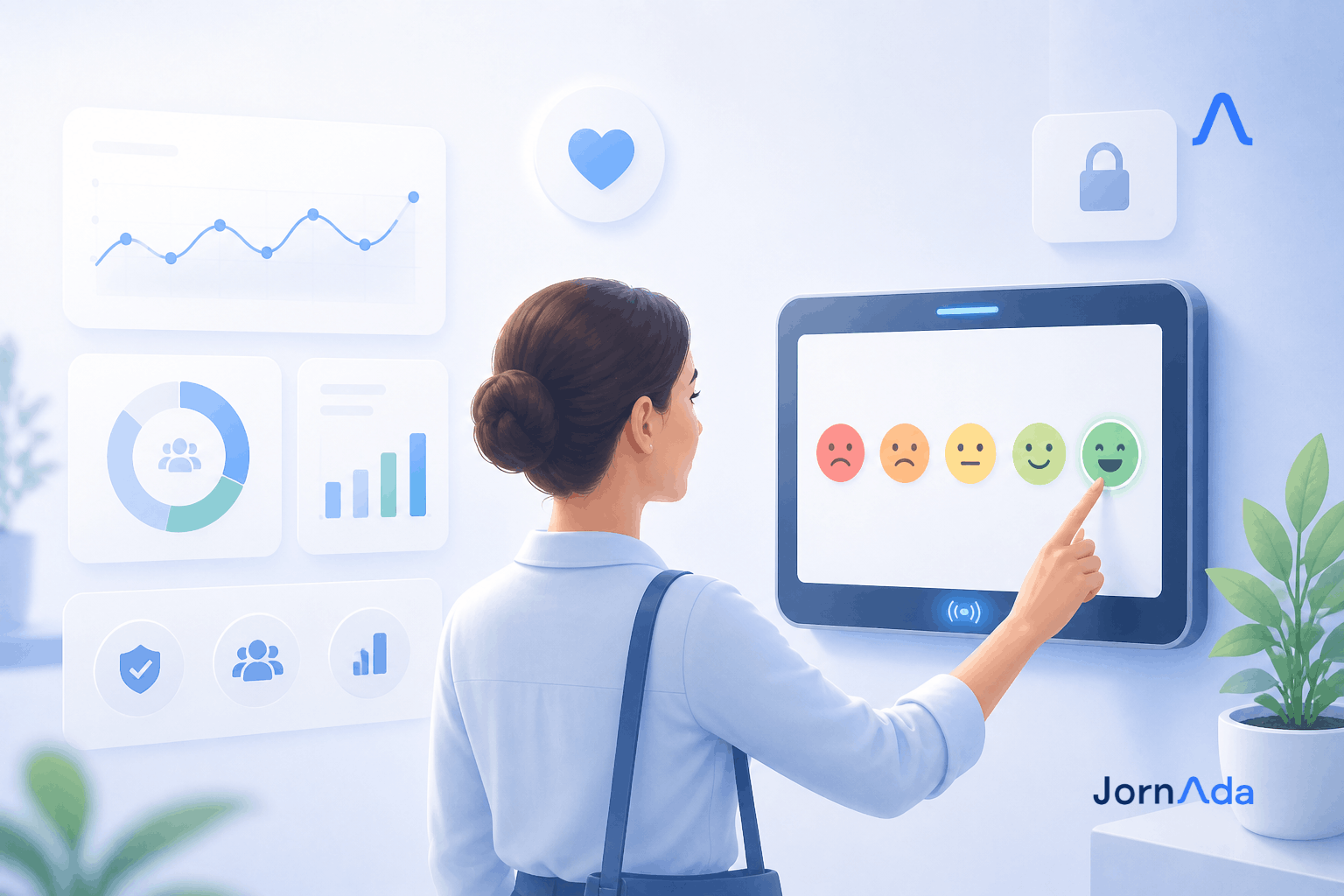
Introducing Emotional Clock-In: Employee Wellbeing 2026
Introducing Emotional Clock-In: the simplest way to measure your team's wellbeing every day. Anonymous, real-time and built for large companies.
Read more