
Introducing Emotional Clock-In: Employee Wellbeing 2026
Introducing Emotional Clock-In: the simplest way to measure your team's wellbeing every day. Anonymous, real-time and built for large companies.
Read moreStart your free trial of JornAda - 15 days free, no credit card required.
Try for free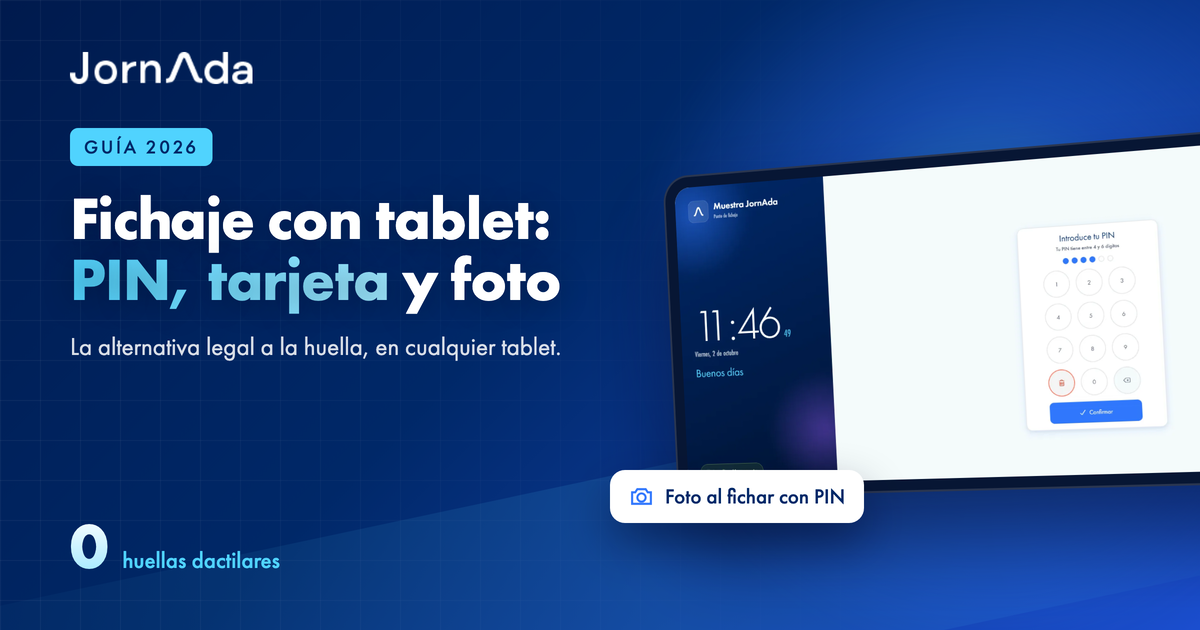
A clock-in kiosk is a tablet or computer fixed at the entrance where staff clock in with a PIN or a card, without using their own phone or logging in. It is the simplest way to meet Spain's working-time record rules wherever people come in through the same door: restaurants, hotels, shops, warehouses, workshops and clinics. And it is the lawful alternative to fingerprint clock-in, which the Spanish Data Protection Agency (AEPD) considers disproportionate in most cases.
This guide explains how a PIN or RFID card clock-in point works, what you need to set one up, when it beats a mobile app, and how to configure it in JornAda step by step.
If you searched for "tablet clock-in system", "time clock kiosk", "PIN clock-in" or an "alternative to fingerprint time clocks", this is the guide. Written by the team behind JornAda, Spanish time-tracking software used by 3,000+ companies.
A shared device, usually a wall-mounted tablet or a computer with a card reader, left on at the entrance. Each person identifies with:
It counts like any other clock-in: logged with the exact time, added to hour balances and included in reports.
Compare every method in which clock-in system to choose.
In November 2023 the AEPD published its guidance on biometric attendance systems: fingerprints and facial recognition are special-category data and generally fail the proportionality test when less intrusive options such as a PIN or card exist. A PIN or RFID kiosk achieves the same goal, each person clocking in for themselves, without processing biometric data.
The classic weakness of PINs is that a colleague who knows your code can clock in for you. JornAda's "PIN clock-in - Ask for a photo" option fixes that: when enabled, anyone clocking in with a PIN at the clock-in point must take a photo with the tablet camera for the entry to be recorded.
It is still personal data, so staff must be informed before enabling it. The setting reminds you when you switch it on.
See every kiosk option on our PIN and RFID kiosk clock-in page, or try JornAda for free and set it up today.
Yes. The record must be daily, reliable and identify each worker; a personal company-assigned PIN meets that without biometric data.
Any with a browser and internet; JornAda's clock-in page runs in the browser.
Yes. With "PIN clock-in - Ask for a photo" enabled, every PIN clock-in at the kiosk asks for a photo; if the tablet cannot take it, the entry is still recorded and admins are notified the next morning.
Yes, with an RFID card or fob and a reader connected to the entrance device.
The clock-in point is included in JornAda, from €2 per user/month on the 5-licence plan. See our plans.
Start complying with time tracking regulations today. 15-day free trial, no credit card needed.
Contact
Fill in the form and we will get back to you within 24 hours.
Contact Name
Company Name *
Email *
Type your message here...
By sending you accept the Terms and Conditions and the Privacity Policy
Introducing Emotional Clock-In: the simplest way to measure your team's wellbeing every day. Anonymous, real-time and built for large companies.
Read more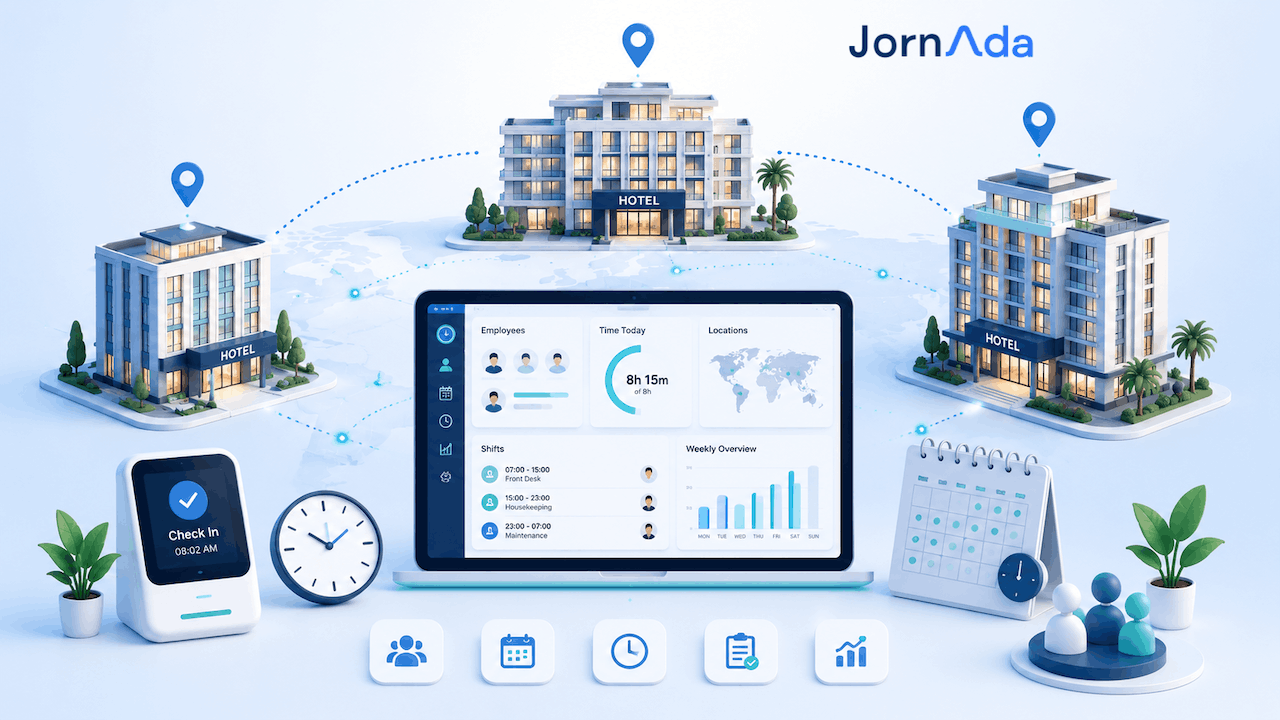
In Spain, time-tracking fines are levied per work centre: with eight hotels, the exposure multiplies by eight. How to unify time tracking across a hotel group.
Read more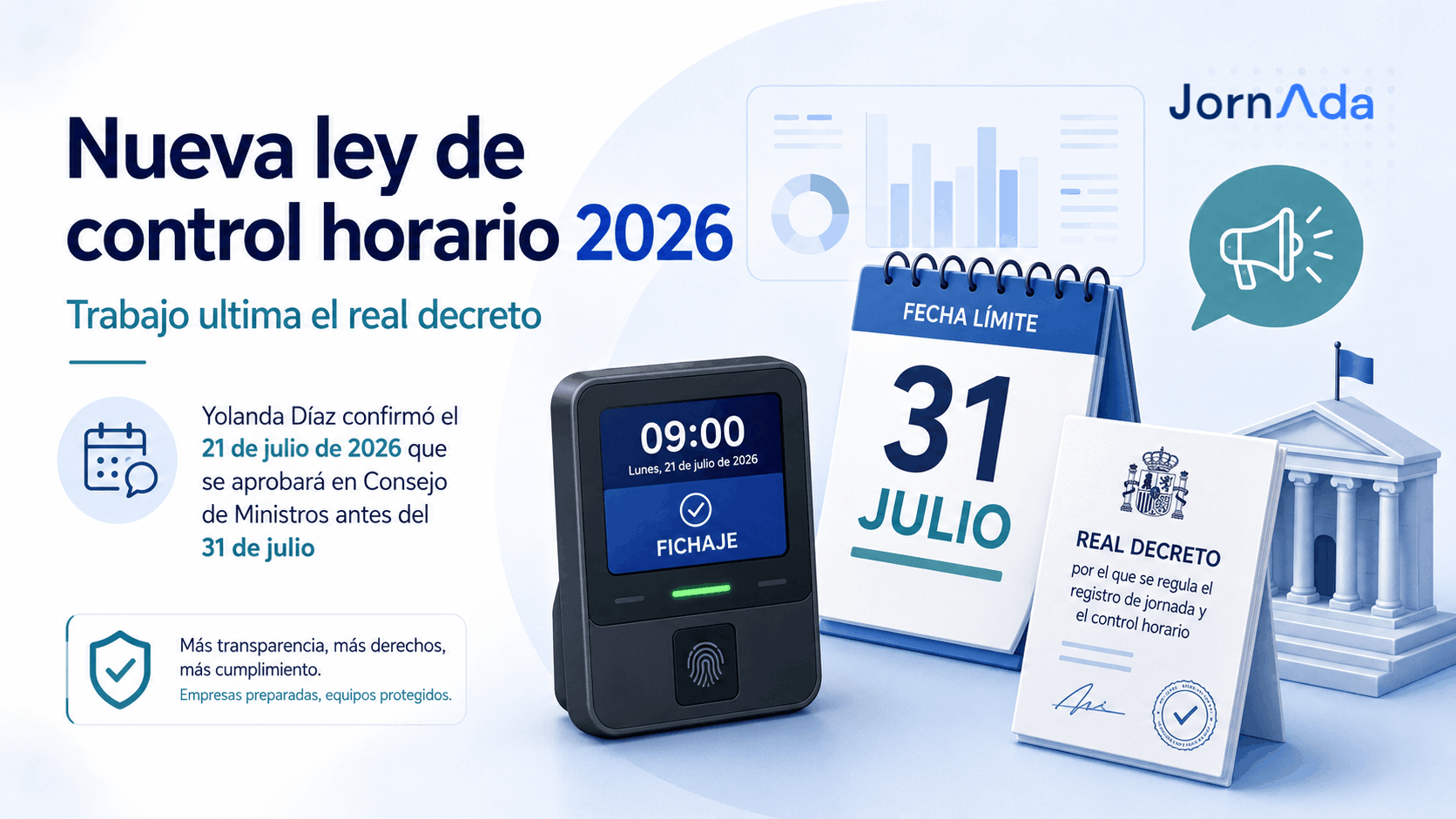
Spain approves mandatory digital time tracking in 2026: no more spreadsheets, remote Labour Inspectorate access and fines up to €10,000 per worker. Here's what changes.
Read more